The starting condition: one manager, six day office hours, and a paper waiting list
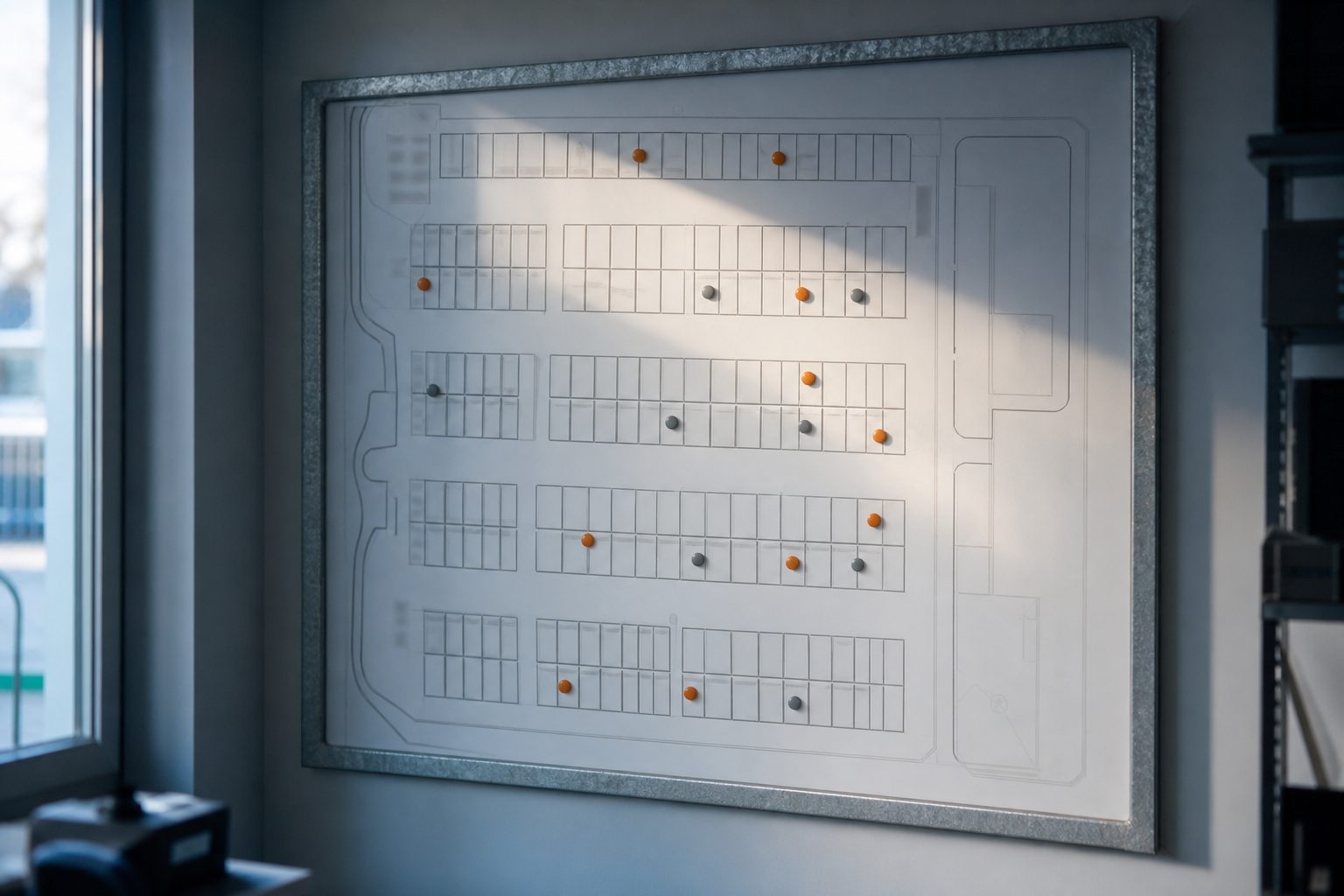
The property in question held 320 units, a size where most owners keep a single employee on site. The manager opened the office at 9 a.m. and closed at 5 p.m. Monday through Saturday. Sunday was self-service for existing tenants, but no leasing or payments took place without the manager present. The site relied on a paper ledger to track vacant units, move-ins, and waiting customers. Calls after hours went to voicemail, and applications were sorted each morning.
Payments were usually made in person or by check in the drop box. Only a few tenants mailed payments or used an online payment portal. Walk-in prospects toured with the manager, who assigned a unit, filled out the rental agreement, and handed over a cylinder lock and gate code. Delinquent tenants were overlocked by the manager on her morning rounds. Vacant units were cleaned between tenants, sometimes by the manager, sometimes by a local handyman.
This traditional setup worked, but tied revenue to office hours. Missed calls meant missed rentals. The owner worried about losing after-hours business and wanted to cut labor costs. A move to remote management was considered, but the paper-heavy workflow and in-person leasing stood in the way.
Keep reading: What Municipal Storage Moratoriums Mean for Existing Facility Owners
What had to move online before the office door could close
The first step was digitizing the entire rental process. This meant customers needed to be able to reserve, lease, and pay for a unit without ever meeting a manager. The waiting list went from paper to a spreadsheet, then to an online booking form with real-time unit inventory. Payment processing required a bank-linked online portal, which was integrated with the existing property management software.
Leasing agreements shifted to electronic signatures. Prospective tenants could review terms and sign from their phone or computer. A digital record of each lease replaced the filing cabinet. Move-in instructions were re-written as a set of emails and text messages, including directions for gate access and how to find the assigned unit.
Delinquency tracking was next. The manager had always reviewed payments and applied overlocks based on a manual ledger. The new system tracked rent status automatically. An overdue payment triggered a notice, and after the grace period, flagged the unit for lockout. As the move to remote progressed, any paper process that touched leasing, billing, or access needed a digital equivalent ready to go.
Hardware: gate controller, keypad or call box, camera coverage, and lock choice
Gate controller and keypads
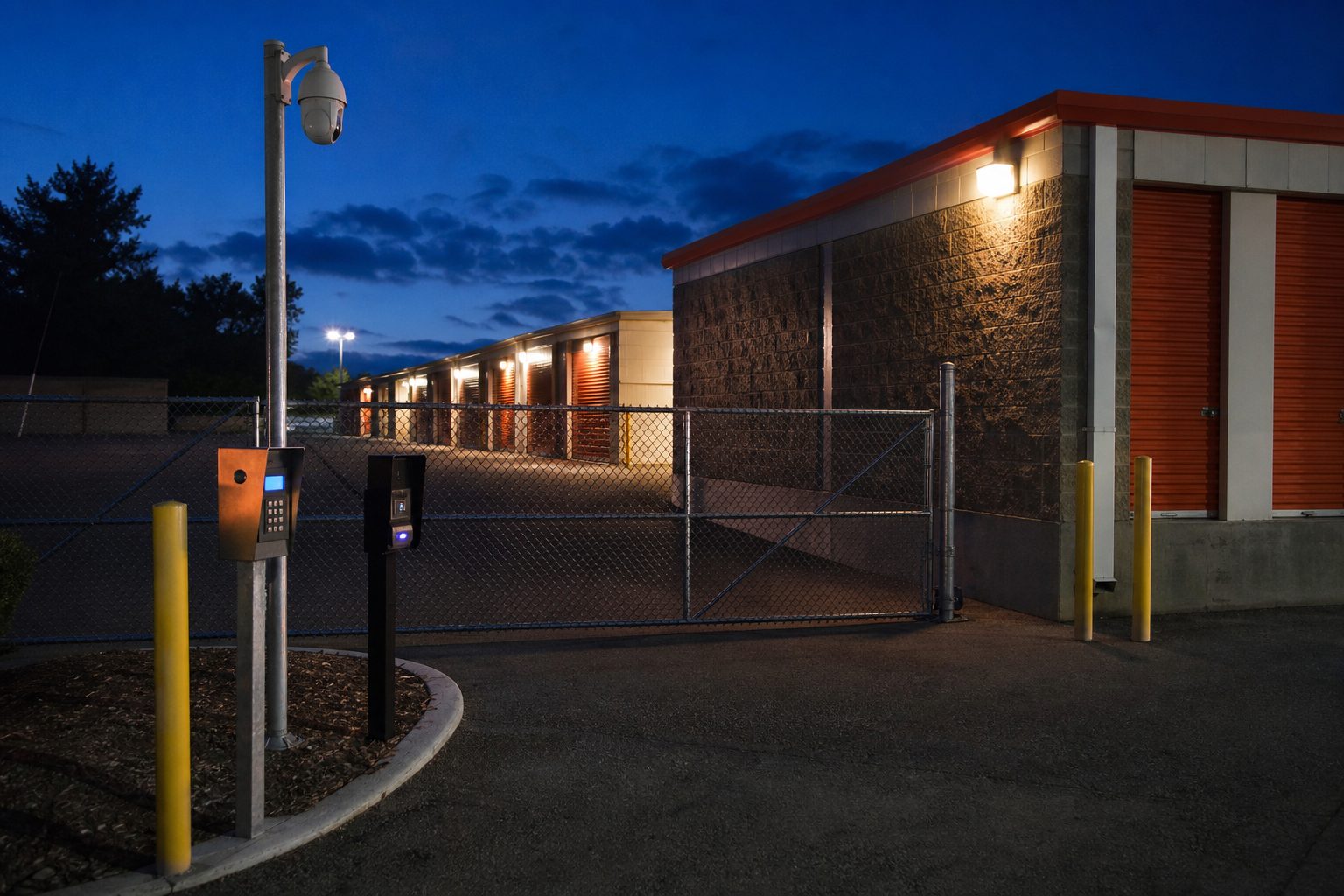
The biggest single upgrade was at the vehicle gate. The old controller used a basic keypad and a list of four-digit codes managed by the manager. To move to remote management, a new controller was installed that could assign unique, time-limited codes for each tenant. This upgraded unit integrated with the property management software, allowing new codes to be issued automatically when a lease was signed or revoked if rent went unpaid.
Two new keypads were added: one at the entry gate, one at the pedestrian door. Each was weatherproof and backlit for night use. The keypads supported both PINs and, later, smartphone entry for tenants who wanted it. The call box was placed at the gate for customers needing assistance, linking directly to the call center.
Camera coverage
Security cameras had been an afterthought, with just two aimed at the office. The new plan called for coverage at all access points: the gate, pedestrian door, main drive lanes, and dumpster. Cameras were added to monitor the call box and the parking area. Footage could be viewed remotely by the owner, and high-resolution video helped resolve disputes about access or incidents.
Lock choice
Unit locks were a sticking point. The site had used manager-issued cylinder locks, but remote move-in required a change. The owner stocked units with combination locks, pre-set to unique codes, and included instructions for retrieving the code after lease completion. New tenants could bring their own lock if preferred, but most used the combination lock for convenience. Overlocks remained manual, someone still had to visit the site to secure delinquent units.
Keep reading: The Monthly Storage Facility Walk: Locks, Doors, Drains, and Lights
Handing the phone to a call center and writing the scripts that go with it
Choosing a call center
With the office closed, all calls needed to be answered by a live person. The owner reviewed several call center services familiar with self storage. The chosen service provided 24/7 coverage, with bilingual staff and experience handling rental inquiries, payment issues, and lockouts. Forwarding the site's published number to the call center took only a day, but training the agents to handle specific scenarios required more effort.
Building the scripts
Every question the manager used to answer in person or by phone needed a script. These covered leasing a unit, gate code problems, payment issues, and lost lock codes. Scenarios were laid out in flowcharts: if a caller needed to rent, the agent walked them through the online portal and emailed the link. If a tenant was locked out, the agent checked payment status, then either issued a new code or sent a work order for on-site help.
Scripts also included escalation points. If a camera showed suspicious activity, the agent called the owner. If a tenant was stuck at the gate after hours, the agent verified identity before providing remote access. Each script was tested with live calls before the site went fully remote. The call center's performance was reviewed weekly for accuracy and speed.
Work that still needs boots on the property: overlocks, cleanouts, snow, and showings
Some jobs could not be automated. Overlocks still required someone to walk the property and secure delinquent units. The owner contracted a local handyman to visit twice a week with a list of overdue tenants provided by the software. Cleanouts, especially after auctions, also needed a physical presence. The handyman took photos and confirmed when each unit was ready for the next tenant.
Snow removal was another manual task. The old routine relied on the manager's judgment. Now, the owner set a contract with a snow service to clear main drive lanes, entry pads, and walkways after each snowfall. Response times were built into the contract to avoid tenant complaints about blocked access.
Showings were rare, but some prospective tenants still wanted to see a unit before signing. The owner offered self-guided tours, with a temporary gate code and instructions to find a clean, unlocked unit. For customers who insisted on meeting someone, the handyman was paid a small fee to open the unit and answer basic questions. The goal was to minimize on-site labor without sacrificing service.
See how GateCodeDesk handles this for self storage
Rewriting the payroll line and the new monthly cost stack
Payroll was the largest expense before the change. The full-time manager earned a monthly salary, plus payroll taxes and benefits. With the move to remote, the manager was let go, and the payroll line dropped to zero. In its place, the owner added up the cost of the call center, the handyman's weekly visits, and the monthly service fee for the online rental platform. The snow contract was a new line item, replacing the manager's ad hoc service calls.
Utility usage dropped: no need to heat or cool the office full time. Office supplies and coffee costs disappeared. Insurance premiums stayed about the same, but the owner checked with the agent to be sure remote management did not affect liability coverage. Advertising spend went up slightly, with more budget for online ads to attract tenants who expected digital service.
The cost stack was now more predictable. Labor was paid by the call or by the visit, not by the hour. The online platform's monthly fee included payment processing, digital leases, and gate integration. The owner tracked each cost for three months, comparing the new stack to the old. The savings were clear, but so were the limits: some jobs still needed a person with keys and a truck.
The first ninety days of complaints, gate calls, and the fixes they forced
The first month brought a flood of questions and complaints. Tenants struggled to use the new online portal, especially older customers used to writing checks. Several had trouble with gate codes, either entering them incorrectly or losing the move-in email. The call center logged each issue, and the owner met with the agents twice a week to review patterns.
The most common problems were:
- Payment portal confusion, especially for partial payments or split households.
- Lost or forgotten gate codes, requiring identity verification.
- Combination lock instructions overlooked or misunderstood.
- Complaints about no one "in the office" for immediate help.
To address these, the owner added a short printed guide at the gate and inside new units, explaining how to use the portal and retrieve codes. The email sequence was revised to clarify move-in steps and include a phone number for urgent help. The call center scripts were updated with more detailed troubleshooting steps. For customers who still struggled, the handyman was authorized to meet tenants as needed, billed by the hour.
Gate hardware saw a few technical hiccups. Cold weather slowed keypad response, and the owner paid for a weatherproof cover. The call box suffered a power outage, leading to the installation of a backup battery. After ninety days, call volume dropped as tenants adjusted. Most new renters completed the process online without issue. The owner continued to review every complaint, using each as a chance to refine instructions and scripts.
What the owner would sequence differently on a second property
Looking back, the owner noted several lessons. First, setting up the online leasing platform and integrating it with the gate controller took longer than expected. Next time, the owner would start with a complete test run: signing a dummy lease, assigning a code, and walking through the move-in just like a customer. Every email and text would be sent to a test account first. This would catch small errors before going live.
Second, better camera coverage should be planned from the start. The initial install missed blind spots at the dumpster and side gate, which later required extra cameras. The owner also learned to overcommunicate with tenants about the changes. A mailed letter, posted signs, and a phone campaign would go out well ahead of the switchover, rather than informing tenants on the fly.
Finally, the owner would bring the call center in earlier. Training agents to answer questions before the office closed would have smoothed the transition. Scripts could have been refined using live calls while the manager was still present as backup. The process was ultimately successful, but each step required more preparation than expected.
For self storage operators considering a similar move, the right set of online tools makes it possible to automate rentals, gate codes, delinquency lockouts, and unit maps, while still leaving room for the hands-on work a property needs.